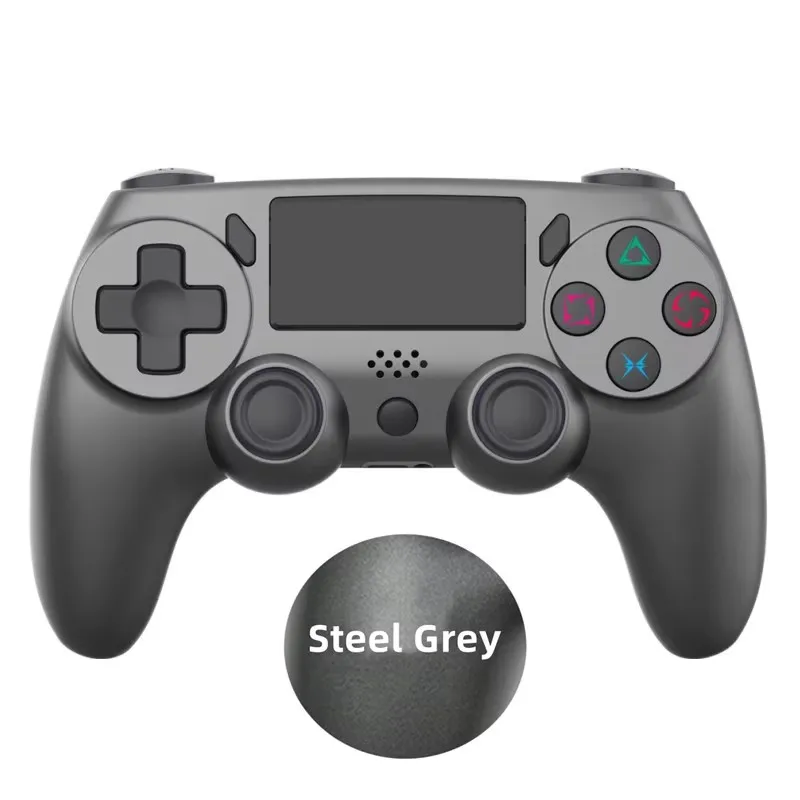
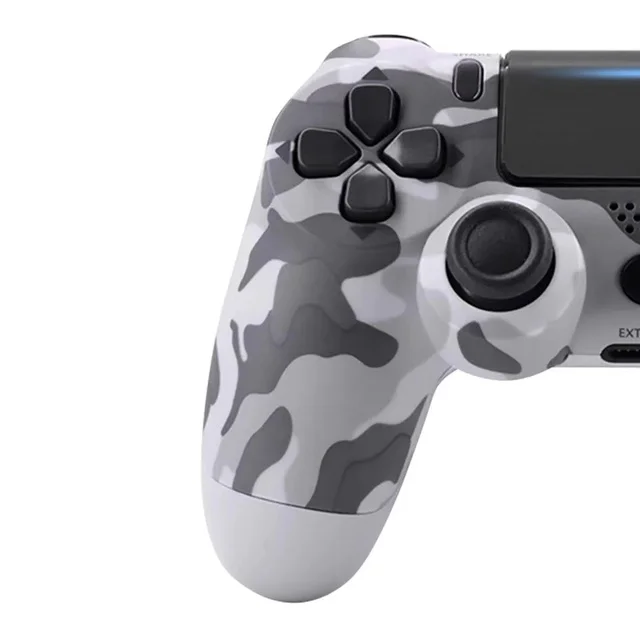
Bluetooth Wireless Controller Support for P4 Console Gamepads Compatible with P4 Slim/Pro P3 IOS/PC/Android/Steam Joystick
Precio habitual €39,30SPECIFICATIONS
Battery Included: Yes
Brand Name: NONE
Choice: yes
Compatible Brand/Model: Sony
Compatible Platform: playstation,PC,steam
Compatible Sony Model: PS4 Pro,playstation3,PS4 Slim,PLAYSTATION4
High-concerned chemical: None
Interface Type: USB,Bluetooth
Model Number: P4 game controller
Origin: Mainland China
Package: No
Trigger Button Type: NONE
Type: Gamepads
Wear-resistant joysticks: No
semi_Choice: yes
Features:
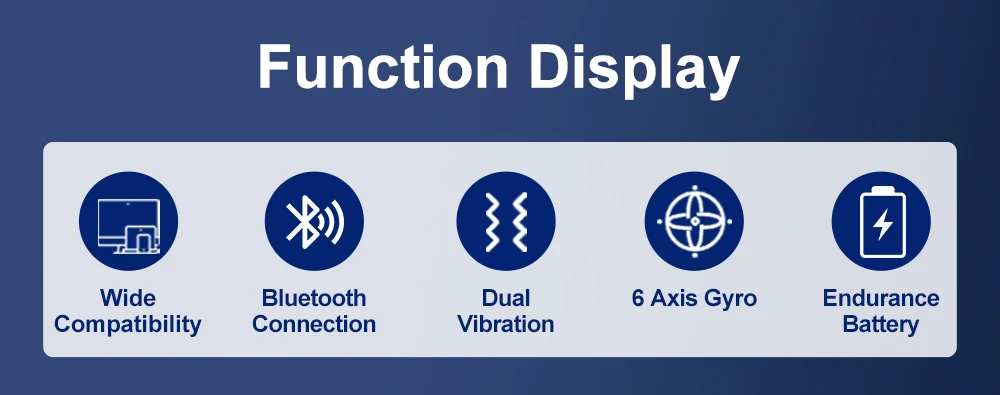
1. This Device designed with full-featured version, with touch + audio + external function + double vibration, with built in 600mAh lithium battery!
2. the device application for Wireless Controller features a built-in speaker and stereo headset jack, putting several new audio options in the player's hands.
3 .800mAh Capacity make you can enjoy your game for a long time
4. All function included: Touch Function + Speakers + Headphone Jack
Compatible devices
This game controller is suitable for devices like P4 / P4 Pro / P3 / cell phone / PC( WIN/7/8/10) and gaming platforms like steam
Package Included: (No retail box)
Wireless gamepad * 1
USB cable * 1
Instruction manual * 1
FAQ:
1. Can the controller use Bluetooth to connect to iPhone, Android phones or iPad?
Answer: Bluetooth can be used to connect iPhone, Android phone and iPad.
2. What systems can the controller be applied to?
Answer: Our controller can be applied to iOS, Android, P3, P4, Windows and other operating systems.
3. Can the gamepad be connected to a computer?
Answer: You can connect to a computer.
4. Can the gamepad be applied to all mobile games/computer games?
Answer: You need to select mobile games and computer games that support peripheral gamepads to be able to use them normally.
5. Can the controller be used for all games in P4/P4 Pro/P4 Slim/devices?
Answer: Yes, it is exactly the same as the P4 controller of Sony brand, and all games of the P4 series can be used.
6. How to connect the gamepad to the computer?
Answer: You need to download the driver of the gamepad on your computer, which is the same as the driver of the Sony gamepad.
7. How to turn on the Bluetooth function?
Answer: Please press and hold the PS button and the SHARE button at the same time for about 3 seconds until the indicator light flashes quickly.
8. Is it possible to connect speakers and headphones through the headphone jack of the handle?
Answer: Yes, you can connect headphones or speakers through the headphone jack of the controller.
9. How long does it take to ship after payment?
A: We usually ship the goods within 24 hours after the buyer pays.